

Stripe Dynamic Payments now available in WHMCS
Deliver a faster, smarter checkout experience with Stripe Dynamic Payments. Dynamic payment methods and link autofill reduce friction and help customers complete payments in seconds.
Free module • Configure in minutes • Powered by Stripe
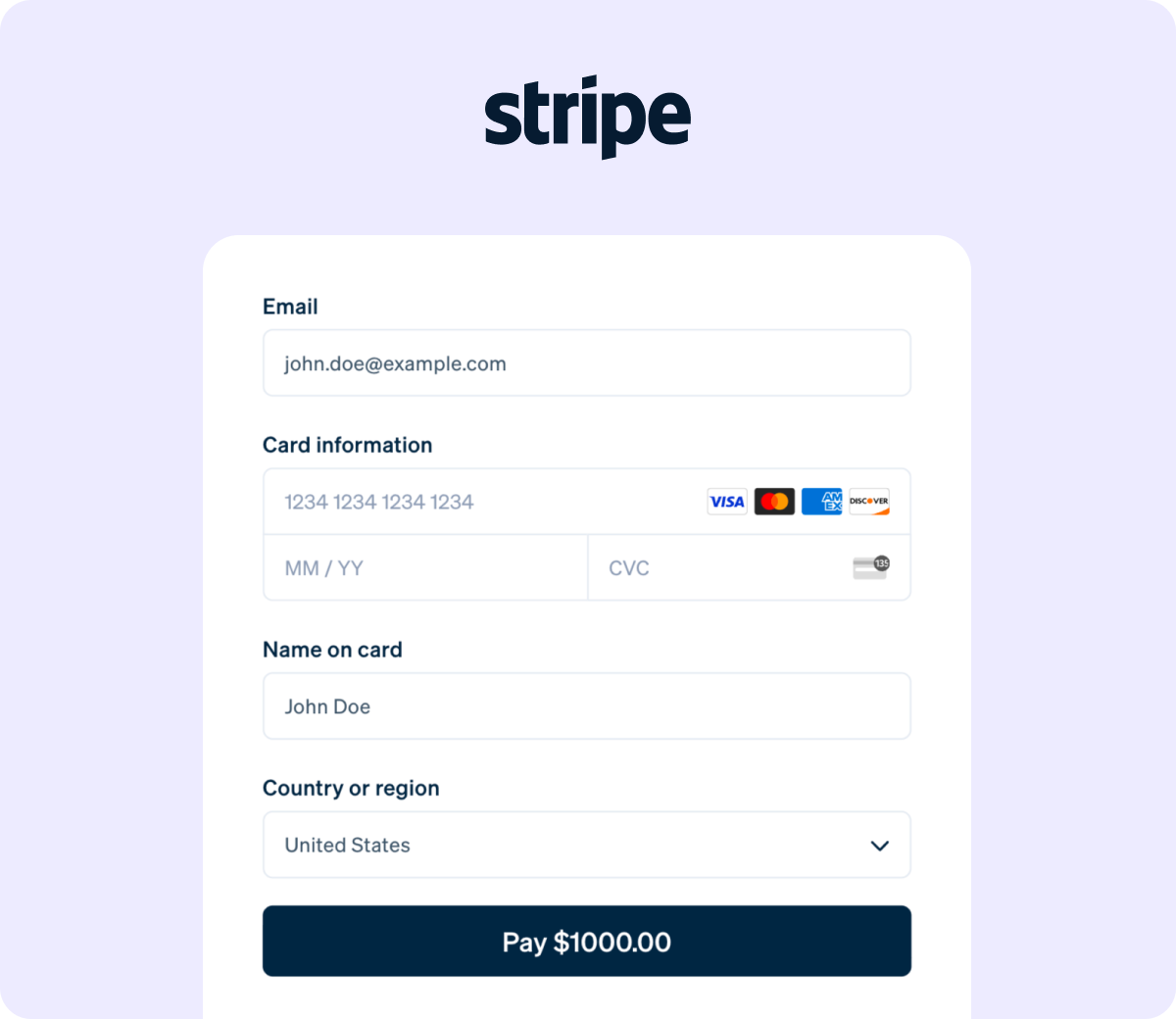
Your checkout affects revenue
Even small amounts of friction like extra form fields, missing payment methods, or slow checkout flows can cause customers to abandon their payment before completing it.
Customers don’t always see their preferred payment method.
Returning users must repeatedly enter payment details.
Merchants need additional configuration to support new payment options.
Checkout flows are not optimized for speed and completion.
Modern checkout experiences need to be fast, adaptive, and effortless, especially for returning customers.
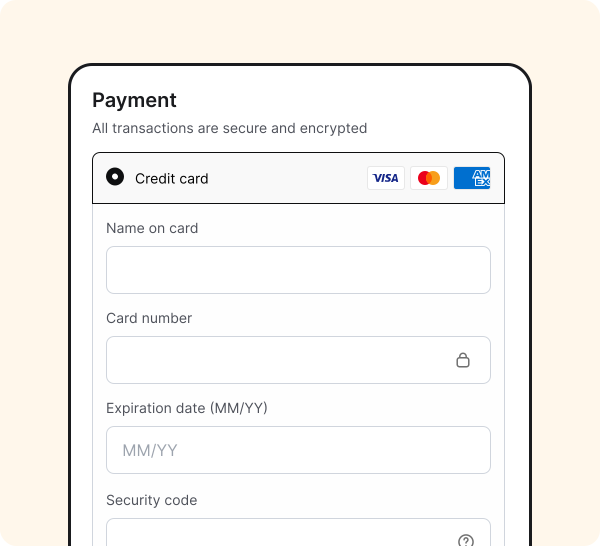
Introducing Stripe Dynamic Payments

Faster, Smarter Checkout
It’s a modern payment gateway module designed to reduce friction at checkout and help customers complete payments faster.
Dynamic payments
Instead of manually configuring payment methods or managing additional modules, Stripe Dynamic Payments intelligently adapts the checkout experience based on each customer.
Effortless Results
The result is a smoother payment experience, less configuration work, and a checkout flow optimized for higher completion rates.
Get Started in Minutes
Activate the new Stripe Dynamic Payments module, connect your Stripe account, and start accepting optimized payments in just a few minutes.
Everything You Need for a Modern Checkout
Give every customer a smoother way to pay with flexible payment options, faster repeat checkout, global payment support, and a simple setup that works seamlessly inside WHMCS.
Dynamic Payment Methods
Stripe Dynamic Payments automatically displays the most relevant payment methods for each customer based on location, currency, and device. Customers see the payment options they are most likely to use, which helps improve payment completion and reduces checkout friction. This includes cards, wallets, and other supported payment methods enabled within your Stripe account, surfaced automatically without additional configuration.
Link Accelerated Checkout
Returning customers can complete payments faster with Link autofill. Link securely saves payment information so returning users can pay instantly with fewer fields to complete. This dramatically reduces the time required to finish checkout and helps eliminate friction for repeat purchases.
Global Payment Support
Stripe supports a wide range of global payment methods. With Stripe Dynamic Payments, your checkout experience can dynamically adapt to your customers wherever they are located.
Minimal Setup Required
Stripe Dynamic Payments was built to be simple. There are no complicated configuration steps or additional modules required. Setup takes only a few minutes and works out of the box.
How to Activate?
Getting started with Stripe Dynamic Payments takes only a few clicks.
Activate the Module
Log in to your WHMCS admin area and navigate to Payment Methods.
Activate the Stripe Dynamic Payments gateway module.
Connect your Stripe Account
Securely link your Stripe account to enable payment processing through Stripe’s optimized payment infrastructure.
Run a test transaction
Complete a quick test payment to confirm everything is working correctly and that the gateway is fully activated.
Go live
Once confirmed, your store is ready to accept payments through an optimized Stripe checkout experience.
Why moving to Stripe Dynamic
Payments is right for you
Modern online businesses expect checkout experiences that are fast, simple, and optimized for conversion.
Stripe Dynamic Payments helps WHMCS customers deliver exactly that.
Lightning Checkout
Faster checkout experience.
Recognized Instantly
Link autofill for returning customers.
Adaptive Payments
Dynamic payment methods displayed automatically.
Borderless Payments
Global payment method support through Stripe.
Always Up-to-Date
Managed updates and maintenance.
Proven at Scale
Built on Stripe’s modern payment infrastructure.
Reduce checkout friction and give your customers a faster way to pay
Stripe Dynamic Payments brings Stripe’s modern payment experience to WHMCS with
dynamic payment methods and accelerated checkout.
Activate the new module today and start delivering a smarter checkout experience in minutes.
Frequently asked questions
How do I know if this is right for my setup?
If you currently accept Stripe payments, or plan to start accepting them, Stripe Dynamic Payments is the recommended payment gateway for WHMCS moving forward. It provides a more modern and optimized checkout experience compared to traditional gateway setups.
Will my customers automatically see new payment methods?
Yes. When eligible, Stripe dynamically displays available payment methods based on factors such as customer location, currency, and device. This allows customers to choose the payment option most convenient for them.
How do I upgrade from the legacy Stripe gateway?
Simply activate the Stripe Dynamic Payments module, activate it as your Stripe gateway, and complete one successful test payment. Once confirmed, you can begin processing payments through the optimized checkout flow and deactivate the legacy Stripe module.
How long does activation take?
Most customers can activate the Stripe Dynamic Payments module in less than three minutes. The process requires activating the module, connecting your Stripe account, and running a quick test transaction, that’s it.
Will this affect my existing Stripe account?
No. Stripe Dynamic Payments connects directly to your existing Stripe account and uses the payment methods already configured there.
What if something doesn’t work right away?
If you encounter any issues during setup, refer to the documentation for troubleshooting guidance and configuration instructions.